


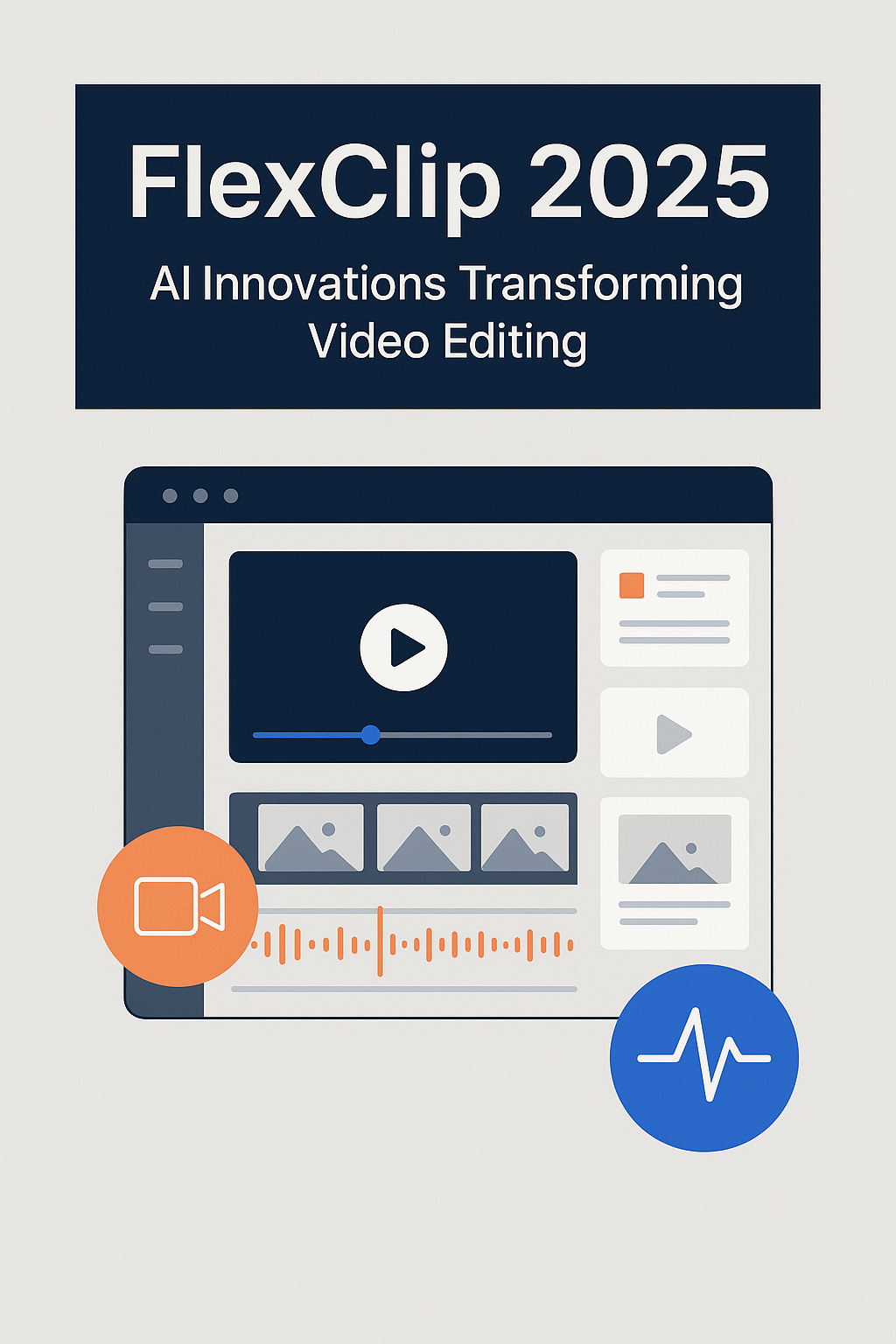
FlexClip has consistently positioned itself as a leading online video creation platform, and its 2025 update marks a significant advancement in AI-powered video production. With the introduction of AI Recreate and Auto Edit, the platform enables content creators to produce high-quality videos more efficiently than ever before. This review provides a structured, professional analysis of FlexClip’s updated capabilities, practical applications, and value for creators and businesses alike.
Overview of FlexClip
FlexClip is a cloud-based video editing platform designed for a wide range of users, from individual creators to marketing teams and educators. Its interface combines simplicity with professional-level tools, offering template-driven workflows, AI-assisted editing, and integrated stock media libraries. The 2025 update strengthens its position in the market by integrating automation directly into the video creation process, allowing for faster production and improved consistency.
AI Auto Edit: Streamlining Video Production
What It Does
The Auto Edit feature automatically analyzes raw footage, identifies the most relevant segments, and organizes them into a coherent sequence. The system applies transitions, aligns scenes with background music, and removes unnecessary pauses or low-quality clips, producing a near-final draft in minutes.
Use Cases
Auto Edit is particularly effective in scenarios where time and efficiency are critical:
- Editing interviews, tutorials, or corporate recordings
- Preparing social media content from long-form footage
- Summarizing event recordings or lectures
By minimizing manual intervention, Auto Edit significantly reduces the time from raw footage to ready-to-share video.
AI Recreate: Efficient Content Repurposing
Functionality
AI Recreate focuses on transforming existing video content into fresh versions that are optimized for new campaigns or different platforms. The tool analyzes the original video, updates visual and narrative elements, and ensures brand consistency across outputs.
Applications
AI Recreate enables:
- Updating marketing materials for new campaigns
- Adapting long-form content for social media platforms such as Instagram Reels or TikTok
- Repurposing archived footage without losing quality or visual cohesion
This feature ensures that existing content remains relevant while reducing the workload associated with re-editing.
Core Platform Features
Beyond its AI innovations, FlexClip offers a robust suite of editing tools:
- Templates: Thousands of professional templates for various industries and content types
- Media Library: Millions of royalty-free videos, images, and audio tracks
- Customization: Flexible drag-and-drop editing, text overlays, filters, and transitions
- Cloud Integration: Project storage, collaboration, and cross-device access
These features, combined with the AI tools, make FlexClip suitable for both novice users and professionals seeking efficient workflows.
Pricing and Accessibility
FlexClip provides tiered pricing designed to accommodate different user needs:
- Free Plan: Basic templates and editing tools with 720p export
- Plus Plan: 1080p export, additional stock media, access to AI features
- Business Plan: 4K export, unlimited projects, full access to AI Auto Edit and AI Recreate, enhanced cloud storage
The platform balances professional capabilities with affordability, making it accessible to individual creators and teams alike.
Conclusion
The 2025 update positions FlexClip as a forward-looking, AI-driven video editing solution. Auto Edit and AI Recreate streamline content production and repurposing, addressing common bottlenecks in video workflows. Coupled with a comprehensive template library, robust editing tools, and flexible pricing, FlexClip provides a complete, professional-grade environment for creating high-quality videos efficiently. For organizations and individuals seeking to optimize their video production processes, FlexClip represents a compelling and practical choice in the current market.